
A people counting sensor for a mall, store, airport or office building is not one kind of device. Each type "sees" people in a different way. Some only know that something broke a beam. Some see body heat. Some see a depth image from the ceiling. Others do not see people at all, and count phones or gate openings instead. How a device sees people decides where it will make mistakes and what data it can give you. This article compares six technologies by how they work, with a summary table and guidance for shopping malls, stores, airports and office buildings.
How a People Counter Works in General
Every people counting system has the same three parts:
- The sensor picks up a signal from the real space, such as light, heat, an image or radio waves.
- The interpreter is software that turns the signal into "one person" and works out which way that person crossed the counting line. It can run on the device or on a server.
- The output is the data sent out: counts in and out, occupancy, or movement coordinates, delivered to a dashboard or another system.
The main difference between technologies lies in part 1. If the signal carries little detail, the software struggles to separate people walking close together. If the signal shows a lot of detail about people, accuracy may improve, but personal data needs more thought.
Six People Counting Technologies
1. Infrared beam
A transmitter sends an infrared beam across the doorway to a receiver or reflector on the other side. When something breaks the beam, the device counts once. With two beams side by side, it uses the order in which they are broken to tell entries from exits.
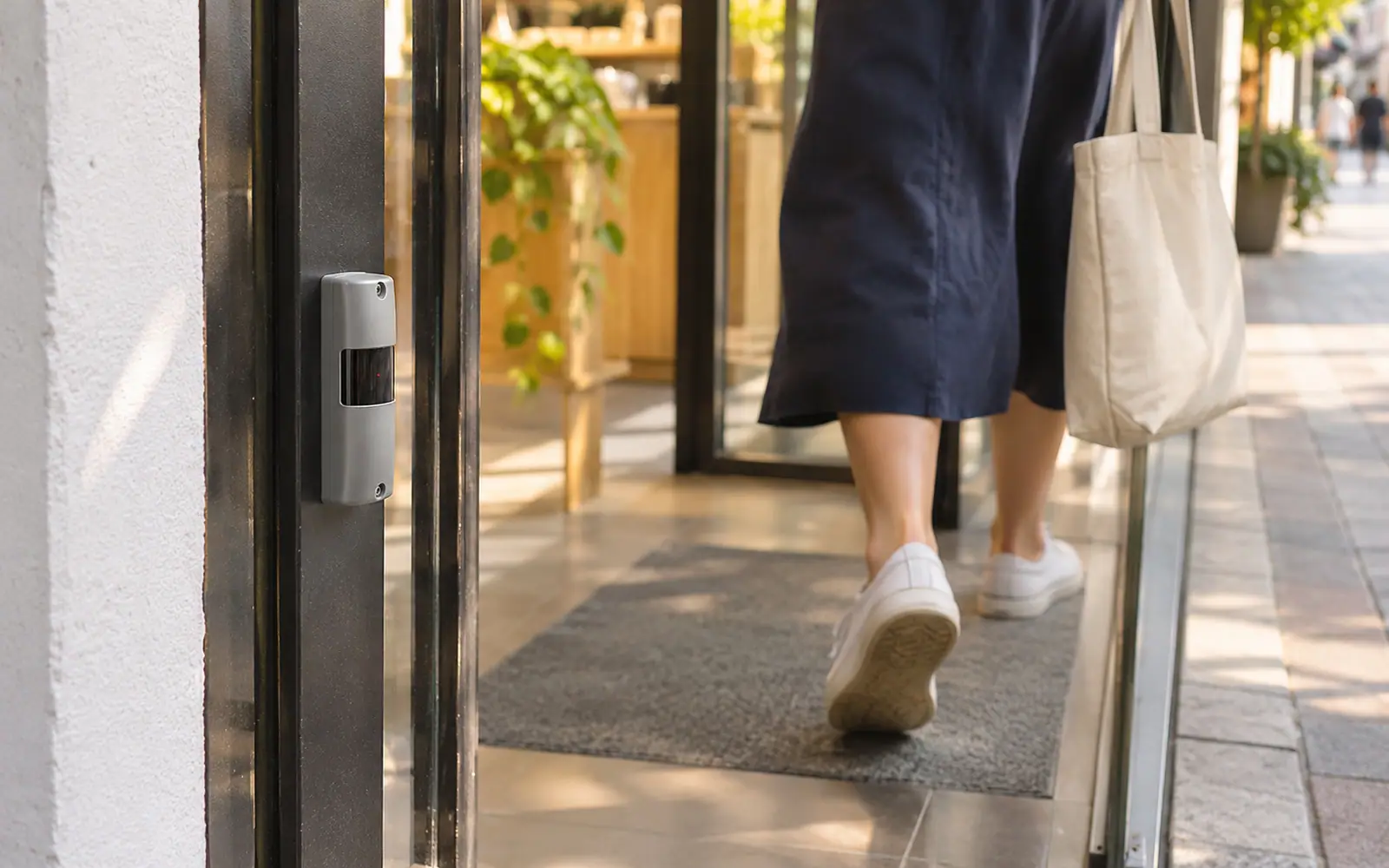
All the device knows is that "the beam was broken". It cannot tell a person from a trolley or a large bag, and it does not know how many people passed at once. Two people walking side by side are often counted as one. On the plus side, it is easy to install, needs no ceiling, and creates no image at all.
2. Thermal sensor
A ceiling-mounted sensor looks down and picks up the heat radiated by people's bodies. The result is a low-resolution heat image in which people appear as blobs warmer than the background. Software tracks these blobs across the counting line.
It does not depend on light, so it works in the dark, and a low-resolution heat image generally shows no facial detail. The key limit is that it separates people from the background by temperature difference. When the background warms towards body temperature, for example a sunlit floor or an entrance where hot outside air blows in, that difference shrinks and separating people gets harder. Research in this area therefore tends to adjust thresholds to the environment rather than use one value all year. In a hot country like Thailand, entrances that open straight to the outside deserve a site check before choosing this technology. Low resolution also makes it harder to separate people walking close together at busy times than with image-based sensors.
3. 2D camera with video analytics
This group has two variants. The first is a single-lens counting camera mounted on the ceiling and looking straight down. The second is software that reads footage from existing CCTV cameras. Both use software to find people in the image and count them when they cross a defined line.
A 2D image has more detail than a beam or a heat image, so it separates people side by side better and covers wider entrances. But a 2D image has no height or depth information, so the software can be confused by shadows, sunlight through glass doors and reflections on polished floors. CCTV cameras are usually mounted at an angle for security, so people block each other at busy times.
Privacy is the area that needs the most questions in this group, because camera images show faces and personal features. You need to know where images are processed, whether they are stored, and whether the software also analyses faces, age or gender.
4. 3D ceiling sensor (stereo or time-of-flight)
The sensor is mounted on the ceiling, looks down and builds a depth image that shows how far each point is from the sensor. There are two main methods. A stereo vision sensor compares images from two lenses, like a pair of human eyes. A time-of-flight sensor emits infrared light and measures how long it takes to bounce back.
Knowing depth, the device knows the height of whatever is below it. It can separate people from shadows and reflections, separate people walking close together at busy times, use height thresholds to exclude children or trolleys, and track walking paths within its field of view. The limits are that it needs a ceiling or structure to mount on at the height the manufacturer specifies, and coverage per device depends on that height. The two sub-types also have different weak spots. Stereo needs a certain level of light in the space. Time-of-flight brings its own light so it does not depend on ambient light, but strong sunlight can interfere with its signal. For more detail, read how a 3D people counting sensor works.
5. Wi-Fi and Bluetooth signals
Receivers in the space listen for signals that phones and other mobile devices send out from time to time, then estimate how many devices are in the area and how they move between zones.
What it counts is devices, not people. One person may carry two devices, some people switch Wi-Fi off, and small children usually have no phone. Newer phone operating systems also randomise the device address (MAC address) to prevent tracking. Since around iOS 14 and Android 10, a random address is the default in many cases, so one device can look like several. The results suit trend-watching over large areas better than counting people through a door. And because the signals come from each person's own device, organisations should assess personal data issues before using it.
6. Turnstile and gate counting
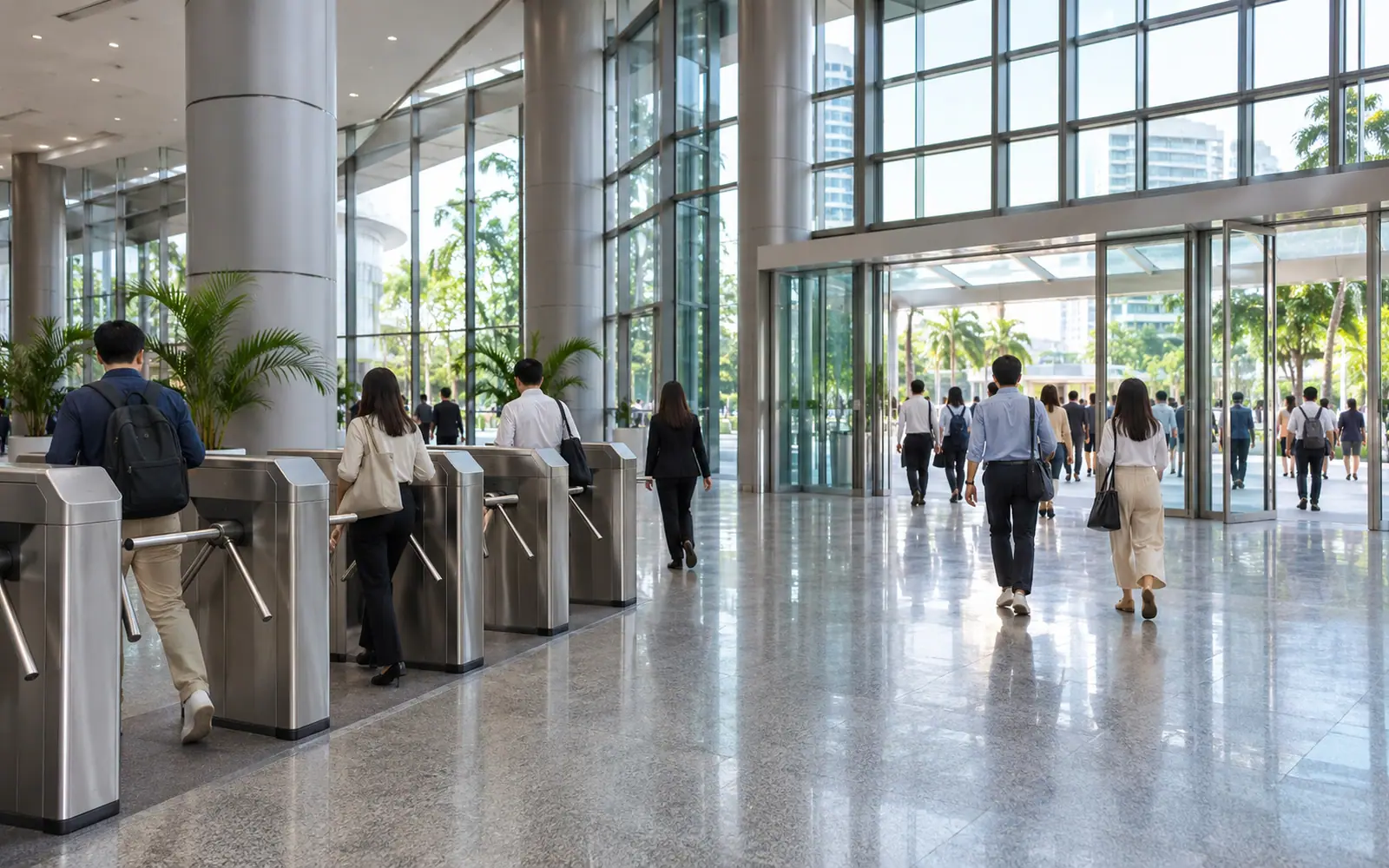
Tripod turnstiles, speed gates and ticket or card gates record every time the gate opens to let someone through. That figure can be used as an entry and exit count without adding a counting device.
The advantage is that every passage comes from a real gate opening, so the figure is clear-cut where everyone must pass a gate. The limits are that it only works where gates exist, so it cannot be used at a mall's open entrances, and it counts "gate openings", not "people". If someone follows closely through a single opening (tailgating), or the gate is held open at busy times or for deliveries, the count drifts from the real number of people. Fire exits and staff entrances without gates are also outside the count. On privacy, using only the number of passages involves no individual. But if you pull data linked to individual staff or visitor cards, that data identifies people.
People Counter Comparison Table: Six Technologies
| Technology | How it works | Typical fit | Main limitations | Privacy |
|---|---|---|---|---|
| Infrared beam | Counts when something breaks a beam across the door; two beams give direction | Small shops, narrow doors, light traffic | Cannot separate people side by side; over-counts trolleys or large bags; unsuitable for wide doors | No image; count events only |
| Thermal sensor | Sees people as heat blobs from above | Indoor areas with stable temperature; spots with low or changing light | Harder to separate people when the background nears body temperature; low resolution struggles in crowds | Low-resolution heat image, generally no facial detail; ask whether the model sends images out |
| 2D camera with video analytics | Software finds people in images from counting cameras or CCTV | Mid-size stores with stable lighting; projects reusing existing cameras | No height data; confused by shadows, sun and reflective floors; angled cameras cause occlusion | Images show faces; check where processing happens, whether images are stored and whether faces are analysed |
| 3D ceiling sensor | Builds a depth image with stereo lenses or time-of-flight, then tracks people | Wide entrances, shopping malls, airports, busy halls, flagship stores | Needs ceiling mounting at a specified height; higher cost per point than basic types | Many models process on the device and output only counts or coordinates; ask for documentation for the model used |
| Wi-Fi and Bluetooth | Listens for signals from phones and mobile devices | Trends in large open areas; movement between zones or buildings | Counts devices, not people; varies with phone behaviour and address randomisation | Signals tie to personal devices; assess personal data before use |
| Turnstiles and gates | Records each gate opening | Office buildings, transit stations, ticketed event entrances | Only where gates exist; tailgating and open gates cause drift | Pure counts are anonymous; card-linked data identifies people |
This table is a qualitative comparison. Real accuracy for each technology depends on the device model, mounting height, light and temperature, entrance width and how people walk at that spot, so no single figure applies to every site.
What Data Each Technology Can Give You
Besides accuracy, an often overlooked point is the "level of data" each type can deliver. Some only know how many people crossed a line. Others also know how many people are in an area and how long they stay.
| Data you need | Infrared beam | Thermal | 2D camera | 3D | Wi-Fi and Bluetooth | Turnstiles |
|---|---|---|---|---|---|---|
| People crossing a counting line | Yes | Yes | Yes | Yes | Not suitable | Yes (counts gate openings) |
| Entry vs exit direction | Yes, with two beams | Yes | Yes | Yes | No | Yes, if gates are directional |
| Current occupancy | Calculated as in minus out, if every entrance is counted | Calculated; some models count within view | Counted within camera view | Counted within sensor view | Estimated from device numbers | Calculated as in minus out, if every entrance is gated |
| Dwell time | No | Some models | Some models | Yes, within view | Estimated | No |
| Walking paths and crowded spots | No | Limited | Some models | Yes, within view | Coarse, zone level | No |
A note on calculating occupancy as "in minus out": small errors at each entrance accumulate through the day. If even one entrance is not counted, the figure keeps drifting. Most systems therefore reset the count every day.
Site Conditions That Make People Counters Miss
Each technology is vulnerable to different site conditions. Knowing the weak spots in advance helps rule out unsuitable options quickly.
- People walking in groups or tightly packed are hard for infrared beams and low-resolution thermal sensors. 3D sensors cope better because they see each person's head and shoulders from above.
- Sunlight through glass doors and polished floors is a weak spot for 2D cameras, and very strong sun can affect time-of-flight 3D sensors.
- Hot entrances or warm floors make it harder for thermal sensors to separate people from the background.
- Low light is a weak spot for cameras that rely on ambient light. Thermal and time-of-flight sensors do not rely on ambient light.
- Shopping trolleys, strollers and suitcases can make infrared beams over-count. Systems that know height can be set to ignore them.
- Entrances several metres wide rule out beams across the door. You need several ceiling sensors joined together.
- No ceiling, or a very high ceiling, limits ceiling-mounted options. Check which models support that height.
- Staff walking through often are counted by every technology unless there is a way to separate them. Plan for this from the start.
Accuracy: Why This Article Gives No Figures
Accuracy figures published by manufacturers are usually measured under their own conditions. Mounting height, light, crowd density and the reference count differ from your site, so figures from different sources cannot be compared directly. What you can compare meaningfully is:
- Test at the same spot and the same time, then compare with a manual count.
- Look at hourly error, not just the daily total, because over-counting and under-counting can cancel out and make the total look good.
- Test in the hardest conditions, such as peak crowds, direct sun or many trolleys.
The detailed test steps are in the buyer's guide to people counting systems.
Can You Combine Several Technologies?
Yes, and many projects do, because each technology answers a different question. Common examples:
- 3D sensors at main entrances with Wi-Fi inside the building. The 3D sensors give accurate entry counts, and Wi-Fi shows trends in movement between zones or buildings.
- Lobby turnstiles with sensors in work areas. In an office building, the gates show how many people enter the building, and sensors on each floor show which spaces are really used.
- 3D sensors in flagship stores with basic devices in small branches. This works if every type feeds the same central platform and the team knows that each type delivers a different level of detail.
The key point is not to add up or directly compare figures from different technologies without knowing what each one counts. Wi-Fi device counts are not people counts, and gate openings are not always people.
How to Choose a People Counter by Type of Site
Shopping malls
Mall entrances are usually wide and numerous, and link to car parks, rail stations or neighbouring buildings. Evenings and weekends are crowded, with trolleys and children mixed in. Ceiling-mounted 3D sensors are therefore often the main choice for entrances and key internal points, because they separate people well in crowds and can be joined to cover wide entrances. If you want an overview of movement between floors or buildings, Wi-Fi can be added to watch trends. See how malls use visitor figures on the shopping mall solutions page.
Stores and retail chains
A small shop with a narrow door that only needs a daily entry count could start with a beam sensor or a basic device. But calculating conversion rate needs counts that are not inflated by groups or staff, and that can be compared across branches. A ceiling-mounted system that separates people in detail suits this better, especially in flagship stores with wide doors and heavy traffic. See how conversion rate is calculated in How to Calculate Conversion Rate for Physical Stores and solutions for retail chains.
Airports and transit stations
Airports need more than entry counts: queue length, waiting time and real-time hall occupancy. In high-ceilinged, crowded areas full of luggage, 3D sensors that track paths within an area suit security checkpoints, check-in and immigration. Ticket gates in transit systems give passage figures that help, but they say nothing about the queue before the gate. Read more in managing queues and passenger flow and on the airports and transport page.
Office buildings
Many office buildings already have lobby turnstiles, so passage data is a good starting point for knowing how many people enter each day. But to know which floors or meeting rooms are really used, for space planning or air-conditioning control, you need sensors in the work areas too, and you should use aggregate gate counts rather than per-card data. Read more in measuring real-time occupancy in office buildings and on the commercial buildings page.
| Type of site | Main question | Technology that usually fits |
|---|---|---|
| Shopping mall | How many people come in, which zones they visit, how long they stay | 3D sensors at entrances and key points, with Wi-Fi added for trends |
| Small single-door shop | How many people came in today | Beam sensor or a basic device |
| Retail chain | Conversion rate and branch comparison | Ceiling-mounted systems that separate people in detail, feeding one platform |
| Airport and transit station | How long the queue is and how long people wait | 3D sensors that track paths, combined with ticket-gate data |
| Office building | How many people enter and which spaces are really used | Aggregate gate data combined with sensors in work areas |
Privacy: Look at the Data That Leaves the Device
The question that separates technologies most clearly is "what leaves the device?". If the output is only counts or coordinates, the risk is lower than with systems that send images or data tied to each person's device or card. In Thailand this falls under the Personal Data Protection Act B.E. 2562 (2019), or PDPA. Details are in People Counting and the PDPA.
The People Counters IMAS Uses
IMAS uses 3D sensors to count people entering an area in real time and to track dwell time and crowded spots. The Xovis sensors IMAS uses are stereo vision devices that process on the device and send out only text data with no personally identifiable information.
- 3D people counting for entrances, floors, zones and stores
- XPERIO dashboard brings visitor data from every point into one dashboard, with comparisons across periods and branches
The IMAS team surveys your entrances and spaces first, then recommends which type of sensor suits each point. Data gives the team a clearer picture; decisions on space, staffing and investment stay with the people who know the site.
Frequently asked questions
−How many types of people counter are there?
Six types are in common use: infrared beam sensors, thermal sensors, 2D cameras with video analytics, ceiling-mounted 3D sensors, Wi-Fi and Bluetooth counting, and turnstile or gate counting.
+Which people counting sensor is the most accurate?
No single type is the most accurate everywhere. At wide, crowded entrances, ceiling-mounted 3D sensors usually cope better because they know height and separate people walking close together. At a narrow door with light traffic, a basic device may be enough. Test at the hardest spot on your own site.
+Do thermal sensors suit Thailand's hot climate?
They work in indoor areas with stable temperatures. At entrances exposed to sun or hot outside air, the background can warm towards body temperature and make people harder to separate. Check site conditions before choosing.
+Can Wi-Fi replace sensors for counting people in and out?
It is not suited to counting people through a door, because Wi-Fi counts devices, not people, and newer phones randomise their device address. It suits trend-watching over large areas and works best alongside entrance sensors.
+How accurate are turnstiles at counting people in an office building?
They count gate openings clearly, but can drift from the real number of people when someone follows closely through the same opening or a gate is held open, and they miss entrances without gates.
+What is the difference between a people counting camera and a people counting sensor?
"People counting camera" usually means a system that uses 2D images. "People counting sensor" is a broader term covering every type. Some 3D sensors do use camera lenses, but they process on the device and send out numbers, not images.
Want to Know Which People Counter Suits Your Site?
The IMAS team surveys your entrances, ceiling heights and real lighting conditions, then recommends the right technology for each point. Details and costs are provided in a quotation.
References
- Xovis AG. Sensor technology and Technical Datasheet PC2SE (V7). Website xovis.com (accessed 18 Nov 2026)
- Cokbas, T., Ishwar, P., Konrad, J. (2020). Low-Resolution Overhead Thermal Tripwire for Occupancy Estimation. CVPR Workshops 2020
- Retail Sensing. Thermal Sensor (glossary entry). Website retailsensing.com
- e-con Systems. ToF cameras vs stereo cameras: which 3D depth technology wins. Website e-consystems.com
- Cisco Meraki. Meraki and MAC Address Randomization. Online documentation, documentation.meraki.com
- IMAS Analytics (2026). Our solutions. Website imas-analytics.ai