
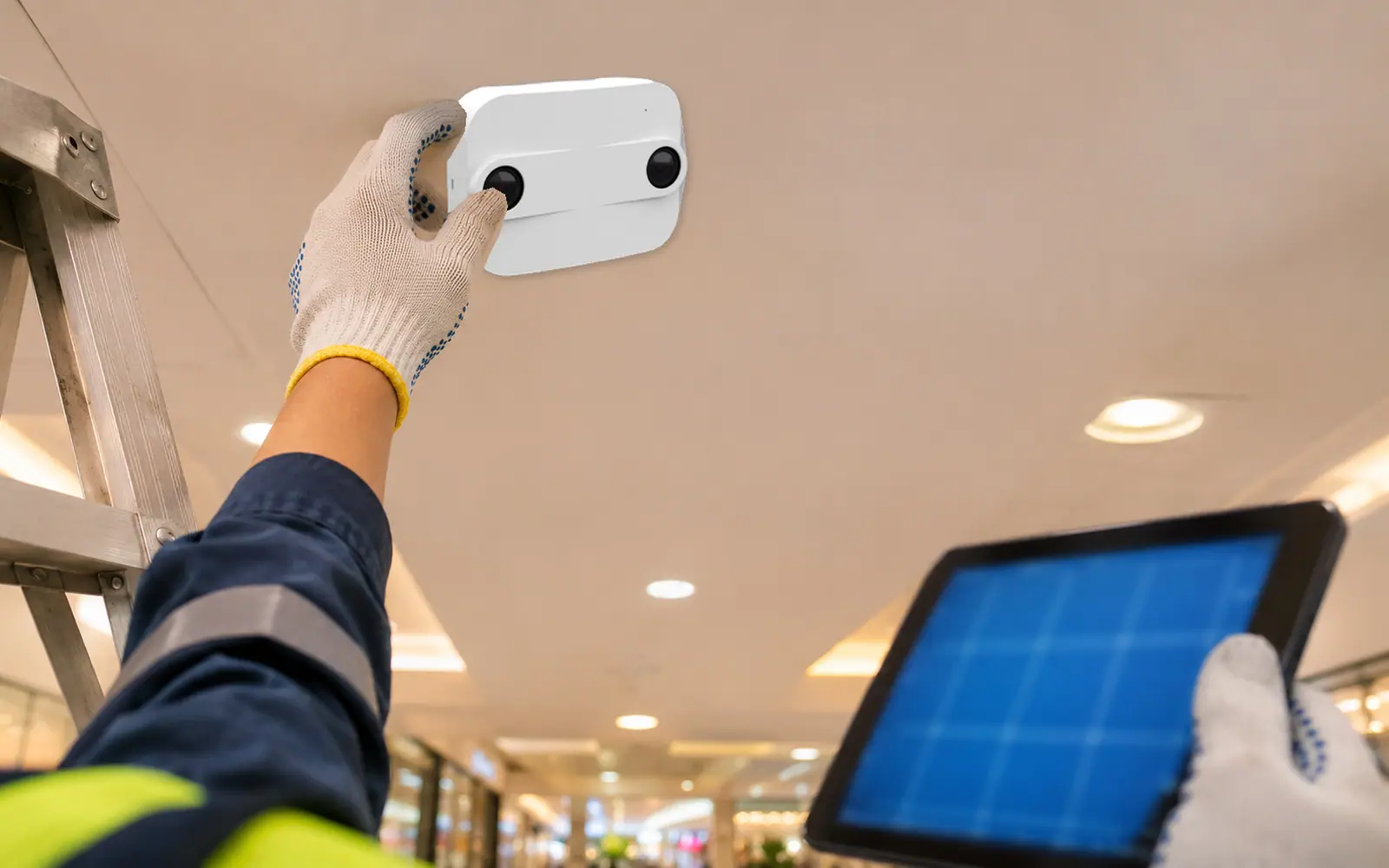
A 3D people counter is a device mounted on the ceiling that looks down and measures how far every point in the area is from the sensor. It then uses that depth information to find people, track their movement and count them when they cross a line or enter a defined zone. Its output is numbers and coordinates, not images, so it can count people anonymously. This article explains step by step how the sensor measures depth, how it tells adults from children and trolleys, how counting lines and zones are set up, and how mounting height affects coverage.

Why "3D"?
An ordinary camera gives a 2D image. It knows where things are in the picture, but not how tall they are or how far away. To software, a shadow on the floor and a standing person can look alike.
A depth image adds one more dimension: every point has a distance from the sensor. Once you know how high the sensor is mounted, that distance converts straight into "height above the floor". As a result:
- Shadows and reflections have no height, so they are not counted.
- People walking close together have heads that show up as separate high points, so they can be separated even when shoulders touch.
- Objects shorter than people, such as shopping trolleys, can be separated by height.
How Depth Is Measured: Stereo Vision and Time of Flight
3D sensors used for people counting create depth images in two main ways.
Stereo vision
The sensor has two lenses set slightly apart, like a pair of human eyes. Things close to the sensor, such as a person's head, appear in noticeably different positions in the two images, while the more distant floor shifts only slightly. The device calculates depth from this difference, point by point.
This method uses the light already in the space, so it needs a certain level of light. According to Xovis specifications, its indoor sensors need a minimum of 2 lux, far below the lighting of a typical mall or store.
Time of flight
The sensor emits infrared light that people cannot see and measures how long the light takes to bounce back. The longer it takes, the farther away the object.
Because it brings its own light, this method works in the dark. But strong sunlight contains a lot of infrared and can interfere with the returning signal, and very shiny surfaces can bounce light along several paths and distort the distance reading.
| Stereo vision | Time of flight | |
|---|---|---|
| Principle | Compares images from two lenses to find the position shift | Emits infrared light and times its return |
| Light source | Uses ambient light | Has its own light |
| Works well when | The space has enough light, including very bright spaces | Light is low or the space is dark |
| Watch out for | Very dark spaces | Direct strong sunlight; very shiny surfaces |
| Output | A depth image for detecting and tracking people | A depth image for detecting and tracking people |
Both methods produce the same thing, a depth image, so the steps after that are similar. The question is not which method is always better, but which one suits the lighting at the mounting point.
From Depth Image to Numbers: Five Steps Inside the Device
Modern 3D sensors process everything on the device (on-device processing) without sending images to a server. The steps generally look like this:
- Create a depth image several times a second, using stereo lenses or time of flight.
- Convert to height above the floor using the mounting height. Some models detect their mounting height and calibrate automatically (according to Xovis, the PF-L).
- Find people by looking for shapes taller than a threshold with a head-and-shoulders form. Many models now use on-device artificial intelligence (AI) for this step.
- Track movement. Each person becomes a moving point, and the device links the same point from one frame to the next, so it knows direction and path.
- Detect events and send numbers. For example, this point crossed the counting line inbound, or this point has been in the zone for so many seconds. The result is sent out as numerical data and coordinates.
The images used in steps 1 to 4 stay in the device's memory for calculation only. What leaves the device is the result of step 5.
Counting Lines and Zones: Set Up to Answer Your Questions
After installation, the team defines what to count on the sensor's view of the floor. There are two main types.
A counting line is a virtual line drawn across the space. When a tracked point crosses it, the device counts once, with direction. It is used at entrances, escalator approaches and links between buildings. One sensor can hold several lines, for example one at the store door and another on the walkway in front, to compare people walking past with people walking in. Xovis calls this the window shopper capture rate.
A zone is a defined area. The device knows how many people are in the zone right now and how long each one stays. Zones measure occupancy, dwell time and queue length. Read how to use dwell time in Dwell Time and Heatmaps in Malls and Stores.
| What you set | Data you get | Example use |
|---|---|---|
| Counting line at the door | Entries and exits by direction | Hourly store or mall entry counts |
| Counting line on the walkway in front | Number of people passing | Compare with store entries to see how well the storefront draws people in |
| Zone in front of a counter | Number of people waiting and waiting time | Decide when to open another counter |
| Zone on an event plaza | Occupancy and time spent | Measure the results of events in a shopping mall |
One caution: the zone boundary and line position directly affect the figures. If a counting line sits too close to the door, people hesitating in front of it may cross back and forth several times. A good setup therefore looks at how people actually walk at that spot, and is checked again whenever the store layout changes.
Telling Adults, Children and Trolleys Apart by Height
Because the device knows the height of everything it sees, it can apply height filtering, for example:
- Ignore anything below a threshold, so shopping trolleys, strollers, suitcases and pets are not counted as people.
- Count children and adults separately by treating a height range as children, to see the share of families at weekends, or to leave small children out of the customer count used for conversion rate.
A height threshold is a setting, not a true age. A tall child or a short adult can fall on the other side of the line, and a child being carried sits at the height of the adult carrying them. Organisations should agree which threshold to use and what decisions it will support, so every branch uses the same rule.
Groups and Staff
Group counting. A family of four walking into a store together often makes just one purchase. Counting them as four customers makes the conversion rate look lower than it really is. A sensor that tracks movement can see which points walk in close together at the same time and count them as one group. According to Xovis, group counting helps the conversion rate reflect real behaviour. See how conversion rate is calculated in How to Calculate Conversion Rate for Physical Stores.
Staff exclusion. Staff pass through entrances often throughout the day. Without separating them, entry counts run higher than reality. Xovis offers an extension for excluding staff from customer counts in its PC2 series. Before switching it on, ask clearly how the system separates staff and whether that method involves staff data.
Mounting Height and Coverage
The sensor looks down in a cone. The higher it is mounted, the wider the area it sees on the floor. But each model has a designed height range. Mounted too low, it covers little; mounted above its range, it counts less accurately. Choose the model to match the real ceiling height, not whatever is convenient.
Examples from Xovis specifications (one sensor):
| Model | Mounting height range | Coverage |
|---|---|---|
| PF-L | 2.00–6.00 m | 3.20×3.20 m at 2.20 m · 9.60×9.60 m at 3.00 m · up to 10.00×10.00 m at 3.50–6.00 m |
| PC2SE | 2.20–6.00 m (UL version for low ceilings: 1.95–3.50 m) | 7.00×5.00 m at 4.50 m and above |
| PC3SE | 6.00–20.00 m, for high-ceilinged halls such as airports | Up to 12.00×9.00 m depending on model and height |
For entrances wider than one sensor's coverage, such as mall entrances or passenger halls, several sensors are joined into one continuous area (multisensor). According to Xovis, the coverage of each sensor must overlap by at least 30 cm, so the system can join all areas into one and keep tracking people as they move from sensor to sensor.
Other points to check when positioning sensors:
- Obstacles below the ceiling, such as hanging signs, light fittings or ducts that block the sensor's view.
- Swing or revolving doors moving within the field of view.
- Environment. Xovis indoor models operate at 0–45 °C and 20–80% non-condensing humidity; outdoor locations have dedicated models.
- Covering every route. To calculate building occupancy, every entrance and exit must be counted, including links to car parks and rail stations.
What Leaves the Sensor: Numbers, Not Images
What makes a 3D people counter suited to anonymous counting is the form of the data that leaves it. According to Xovis:
- The sensor does all processing on the device and transmits only text data, without personally identifiable information.
- The output is metadata such as coordinates, with no biometric or personal information.
- It offers four privacy levels and carries the ePrivacy seal for operation in line with the EU General Data Protection Regulation (GDPR).
- Data is sent to other systems through an application programming interface (API) and standard protocols such as HTTP(S), MQTT(S) and SFTP, and can be stored on the device for up to three years, depending on the number of counters configured.
Anonymous data still needs to be used appropriately, and some extensions, such as gender or age estimation, should be assessed before use in Thailand. Read more in People Counting and the PDPA.
Limitations to Know
- It needs a ceiling mounting point within the height range of the model. Open areas without a ceiling need outdoor models or mounting structures.
- It only counts what it can see. Blind spots between sensors break up walking paths.
- Setup must follow the real layout. When doors move, store layouts change or booths are added, counting lines and zones need checking again.
- Accuracy depends on the site. Mounting height, light and crowd density differ from spot to spot, so test against a manual count at the hardest spot before rolling out.
3D People Counting Sensors with IMAS
IMAS uses 3D sensors to count people entering an area in real time and to track dwell time and crowded spots, helping teams adjust staffing, store layouts and the customer experience.
- 3D people counting uses Xovis sensors, which are stereo vision devices that process on the device.
- XPERIO dashboard turns 3D sensor data into visuals and brings every point into one dashboard.
- See how it is used in shopping malls and airports and transport.
Sensor figures help teams see which areas need attention first. Decisions on staffing, layout and events stay with the people who know the site.
Frequently asked questions
−What is a 3D people counting sensor?
It is a ceiling-mounted device that creates a depth image of the area below, then uses the height of what it sees to find people, track their movement and count them when they cross a line or stay in a defined zone.
+What is the difference between stereo vision and time of flight?
Stereo vision uses two lenses and compares their images to find depth, relying on ambient light. Time of flight emits its own infrared light and times its return, so it works in the dark, though strong sunlight can interfere. Both produce the same kind of depth image.
+How does a 3D sensor tell children from trolleys?
It uses height thresholds. Anything below the threshold, such as a trolley, is not counted as a person, and a height range can be set to count children separately. A height threshold does not reveal real age, so use the same threshold across all branches.
+What does anonymous people counting mean?
It means the system knows how many people there are, where they walk and how long they stay, without knowing who they are. Xovis sensors process on the device and send out text data such as counts and coordinates, with no personally identifiable information.
+How high should the sensor be mounted?
It depends on the model. According to Xovis, for example, the PF-L mounts at 2–6 metres and the PC3SE for high-ceilinged halls mounts at up to 20 metres. Within a model's range, the higher it is mounted, the wider its coverage.
Want to Know How Many Sensors Your Entrance Needs?
The IMAS team surveys ceiling heights, entrance widths and real lighting conditions, then designs sensor positions, counting lines and zones. Details and costs are provided in a quotation.
References
- Xovis AG. Sensor technology, PF-Series and Solutions: Retail. Website xovis.com (accessed 18 Nov 2026)
- Xovis AG. Technical Datasheet PF-L (V1.5) and Technical Datasheet PC2SE (V7)
- Xovis AG. Sensor Selection Guide (Metric, Version July 2026)
- e-con Systems. ToF cameras vs stereo cameras: which 3D depth technology wins. Website e-consystems.com
- Luxonis. ToF Depth Perception. Online documentation, docs.luxonis.com
- IMAS Analytics (2026). Our solutions. Website imas-analytics.ai